

 Passport Guide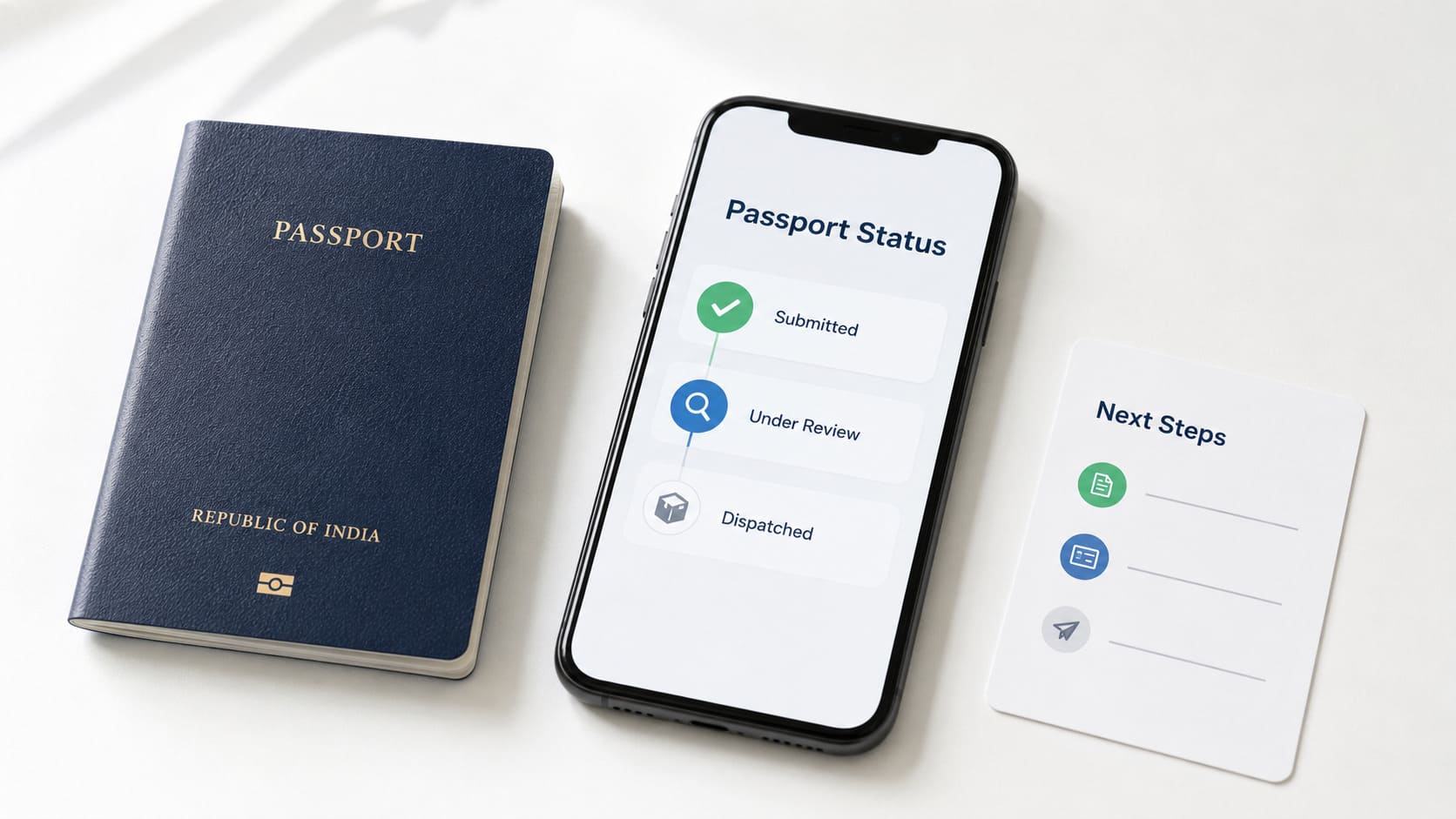
Your passport status message shows your current application stage. Passport Seva tracker has the live update for your file. Check the tracker before trusting any website example.
Indian passport status messages can show review, police verification, printing, or delivery. Some messages point to return, notice, or office review. Each message needs a different next step.
Some examples below come from public websites in India. Use examples below for general help on the page. Passport Seva, PSK, RPO, police, and India Post control file progress.
Need Expert Help on Your Passport Application?
Our passport agents handle forms, documents, and just one call away..
How to Read Your Passport Status Message
Check Passport Seva first for your live file update. Enter Application Type, File Number, and Date of Birth. For SMS status, send STATUS [File Number] to 9704100100.
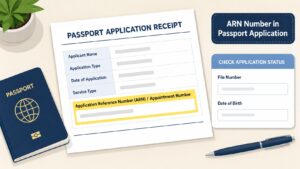
Use the File Number from your acknowledgement letter. Read the office name inside the status. PSK, RPO, Embassy, and Consulate show different offices.
PSK is the Passport Seva Kendra appointment centre. RPO is the Regional Passport Office for file review. Your tracker is the main place to check your file.
Share File Number only on Passport Seva pages. Protect Date of Birth, passport number, and address.
Common Passport Status Messages and Next Steps
Use the table for a first reading. Match the first words with your full status. Website examples can help, yet your tracker controls your file.
| Status message stem | What it shows | Safe next step |
|---|---|---|
| Application submitted | Application entered passport processing | Watch for PSK or RPO review |
| Under review at PSK | PSK checks details or documents | Watch for document instruction |
| Under review at RPO | RPO checks report, records, or issue | Watch for RPO update or instruction |
| Data Entry Modification Required | Data needs correction | Follow correction instruction in tracker |
| Document Resubmission Required | Documents need upload or office visit | Send documents through official channel |
| Police verification initiated | Police request has started | Answer police contact linked to application |
| Police report under review | RPO or police office checks report | Watch for next status or notice |
| Police report has a problem | Report needs Passport Office review | Contact Passport Office or follow notice |
| Passport granted | Application reached grant stage | Watch for print or police report step |
| Passport printed | Passport printing finished | Watch for dispatch SMS or email |
| Dispatched via Speed Post | Passport entered India Post delivery | Track the Speed Post number |
| Returned Undelivered | Delivery failed or passport returned | Contact RPO for send again instructions |
Check your exact message before taking any step. Similar words can point to different stages.
Application Submitted or Received Messages
Submitted status marks the first confirmed processing stage. Your application record now exists inside passport processing.
Review, police verification, grant, print, and dispatch still remain. A fee-and-document message shows documents reached processing. Overseas form-submitted wording belongs in the Embassy section.
Read early messages as receipt, never approval.
| Early message type | Reader reading |
| Application submitted | Record entered processing |
| Fees and documents submitted | Documents reached processing |
| Form submitted | Overseas PSP flow can use that wording |
Watch for review, police, grant, print, or dispatch updates.
Under Review at PSK or RPO
PSK review
PSK review points to checking at the appointment centre. The office checks details, documents, photo, and fingerprints. Correction words or document words change your task.
RPO review
RPO review points to a higher office check. The office can review police report, old record, or documents. Notice, objection, or show cause words need separate attention.
Reader check
Match the office name before planning a visit. PSK, RPO, Embassy, and Consulate have different roles.
Correction and Document Resubmission Messages
Correction messages ask for data or document work. Data Entry Modification Required points to a data issue.
Document Resubmission Required points to a new document step. Visit wording changes the next office step.
Use the named office inside the message. Follow the sequence below before visiting any office.
- Copy the exact status text before leaving the page.
- Note the PSK or RPO name in the message.
- Check the requested document against your application papers.
- Use Passport Seva instructions for document submission.
- Take originals only when the message asks.
Share documents through Passport Seva, PSK, RPO, or police channels. No agent can control a passport status message.
Police Verification Status Messages
Police verification messages show the police check stage. They can affect printing order for some files.
Pre-police-verification files wait for a police report with no issue. Post or No Police Verification files can print after grant.
Pending physical police verification
Pending physical police verification shows police address check remains open. Police may contact you at the application address.
Have identity and address papers ready for checking.
Police verification initiated
Police verification initiated shows the request has started. A police station or police office may process it.
Answer only contact linked to your passport application.
Police report submitted
Police report submitted shows police sent the report onward. Passport officials may still review the report.
Printing can wait when pre-verification applies to your file.
Police report under review
Police Verification Report under review shows report checking. RPO may compare the report with passport records.
Watch for notice, grant, print, or another status.
Police report issue or adverse result
A report issue needs attention from Passport Office. An adverse result is a negative police report.
Use Passport Office instructions for clarification or re-verification. Legal questions need help from a qualified lawyer.
Granted, Printed, and Dispatched Messages
Granted, printed, and dispatched mark three separate stages. Grant connects to approval, print to printing, dispatch to delivery.
Granted
Granted shows the application reached approval stage. Printing can follow after needed checks finish.
Pre-police verification can hold printing until the report reaches Passport Office. Grant never shows delivery at your address.
Printed
Printed status shows passport printing has finished. Watch for SMS, email, or dispatch update next.
Printed status never equals Speed Post delivery.
Dispatched
Dispatched status moves focus to India Post delivery. Use the Speed Post number for tracking.
Delivery attempt, return, or failure can appear next.
Speed Post, Delivery, and Return Messages
Delivery messages start after dispatch from Passport Office. The passport now moves through India Post delivery.
| Delivery message | Reader reading | Next step |
| Dispatched via Speed Post | Passport moved to postal delivery | Track Speed Post |
| Delivered through Speed Post | Postal delivery shows completion | Save the tracking result |
| Failed to Deliver | Delivery attempt failed | Check India Post status |
| Returned Undelivered | Passport returned after failed delivery | Contact RPO for send again instructions |
Returned Undelivered needs RPO follow-up for send again steps. The cause can be address issue or failed delivery attempt.
Contact RPO through Passport Seva support before sending documents. Use Passport Seva support or RPO contact details.
Hold, Show Cause, Rejection, and Closure Messages
High-risk messages need exact reading and official response. They may ask for reply, records, or office review.
Hold or objection
Hold status shows processing paused for a file reason. Objection status shows an issue raised on the application.
Read the full notice before preparing any reply.
Show cause notice
A Show Cause Notice asks for your formal response. Check the notice date, reply method, and deadline.
Reply only through the method Passport Office provides. Save a copy of every submitted response.
Rejection, closure, or cancellation
Rejected, closed, or cancelled status can end processing. Contact Passport Office for the file reason.
Legal questions need help from a qualified lawyer. Agent claims cannot replace Passport Office instructions.
Embassy or Consulate Passport Status Messages
Embassy and Consulate messages belong to overseas passport applications. They use PSP wording for Embassy or Consulate processing.
Separate them from PSK or RPO status.
| Overseas status message | What it shows |
| Application Form has been Submitted | Online form entered Embassy or Consulate process |
| Under review at Indian Embassy or Consulate | Embassy or Consulate checks documents |
| Print has been initiated for passport | Application approved for printing in India |
| Passport is printed and will be delivered shortly | Printed passport moves toward office delivery |
| Passport forwarded to Embassy or Consulate | Printed passport travels back to the office |
| Collect passport from counter | Embassy or Consulate has passport for collection |
India applicants should follow PSK or RPO wording. Overseas applicants should follow Embassy or Consulate instructions.
What to Do When Your Status Has No Update
Status can pause during review, police, print, or delivery. Start with the exact status text before worry.
- Check File Number and Date of Birth.
- Select correct Application Type in the tracker.
- Check Passport Seva tracker before website examples.
- Send
STATUS [File Number]to 9704100100 for SMS status. - Call 1800-258-1800 when you need Passport Seva help.
- Track Speed Post after dispatch appears in status.
- Contact RPO after returned delivery appears in tracking.
- Follow notice instructions for any show cause status.
Share File Number only on official pages. Protect Date of Birth, passport number, and address.
Public comments are poor places for private details.
Still Confused About the Process? Talk to a Passport Agent Today
Frequently Asked Questions
What does “passport application has been submitted” mean?
A submitted status shows entry into passport processing. Review, police verification, print, and dispatch may still remain.
What does “under review at Passport Seva Kendra” mean?
PSK review points to application or document checking. Watch for correction, resubmission, or visit wording.
What does “under review at Regional Passport Office” mean?
RPO review points to a higher office check. RPO may review report, record, documents, or notices.
What does “police verification has been initiated” mean?
Police verification initiated shows the police request has started. Answer only police contact linked to the file.
What does “Police Verification Report is under review” mean?
Police Verification Report under review shows report checking after police submission. Watch for grant, notice, or another status.
What does “passport application has been granted” mean?
Granted is a major approval stage for your application. Printing can still depend on police verification mode.
What does “passport printed” mean?
Printed status shows passport printing has finished. Dispatch SMS, email, or Speed Post update may follow.
What should I do after “Returned Undelivered”?
Returned Undelivered shows postal delivery failed or passport returned. Contact RPO for send again instructions through official support.